A sample meeting should end with a decision, not a loose collection of comments. “The bass could be better” and “the blue looks slightly dark” are not approval records. They leave the supplier guessing, and they make it hard for your own team to know which unit, artwork file or setting was accepted.
This checklist is for the decision stage after functional testing. Use it to turn observations into one of three outcomes: approve, revise or reject. If you still need a test plan for sound, pairing and battery behavior, begin with our OEM Bluetooth speaker evaluation guide, then return here to close the review.
1. Identify the exact sample on the first page
Give every physical unit a sample ID. Record the Huazeng model number, color, date received, firmware or app version when relevant, battery and driver configuration, included cable and accessories, and the artwork revision supplied with it. Add clear photos of the product label, carton label and the unit from several angles.
This may feel administrative, but it prevents a common sourcing failure: comments from one unit are applied to another unit that looks the same but uses a different configuration. One row of identification data is cheaper than repeating a round of samples.
2. Separate pass-fail requirements from preferences
Mark each item as either mandatory or preferred before the review begins. A required charging input, destination-language warning or advertised function is a pass-fail point. A warmer color tone or a different startup sound may be a preference that can be discussed against cost, timing and technical limits.
Use plain acceptance wording. For example: “TWS reconnects after both units are power-cycled” is observable. “TWS works well” is open to interpretation. The same rule applies to buttons, lighting modes, display behavior, voice prompts and included accessories.
3. Keep one evidence row for every open issue
A useful issue log has six fields: item number, observed result, evidence, required action, owner and due date. Attach a short video for intermittent behavior and a close photo for finish or printing defects. State the phone model, source file, volume point or charger used whenever the condition affects the result.
| Status | Use it when | Next action |
|---|---|---|
| Pass | The agreed requirement is met | Lock the result and reference evidence |
| Revise | The issue is correctable and the project remains viable | Define the change and retest method |
| Reject | A mandatory requirement cannot be met or the proposed fix is unacceptable | Close the model or select another platform |
| Pending | Evidence or a business decision is missing | Name the owner and response date |
4. Review product, controls and artwork as one system
The sample may pass an audio check while the packaging still promises the wrong output, battery statement or function. Compare the physical controls with the manual diagrams and box icons. Confirm that the product model, input information, accessories and feature names agree across all three.
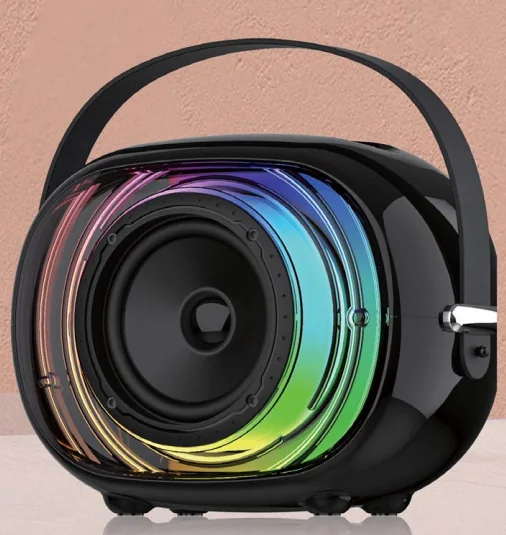
For a multifunction model such as the HZ-B313 pixel-art speaker, the approval sheet should name app control, display, lighting and TWS separately. A single “all functions pass” line gives no useful evidence if one function changes later.

5. Write revision requests so they can be verified
For every revision, describe the current result, the requested result and how the next sample will be checked. Instead of “make the buttons better,” write “increase the separation between volume keys and retain the printed icons shown in artwork revision B.” Instead of “improve battery,” identify the agreed test condition and the result that needs review.
Do not combine unrelated changes under one comment. A finish change, a control change and a packaging correction need separate owners and evidence. This makes it possible to approve two items while one remains open.
6. Add a commercial hold point before final approval
Functional approval does not settle the order. Confirm the quoted configuration, estimated quantity, color split, branding method, packaging format, accessories, target market, requested documents and timing. Treat any unconfirmed item as pending rather than filling the gap with an assumption.
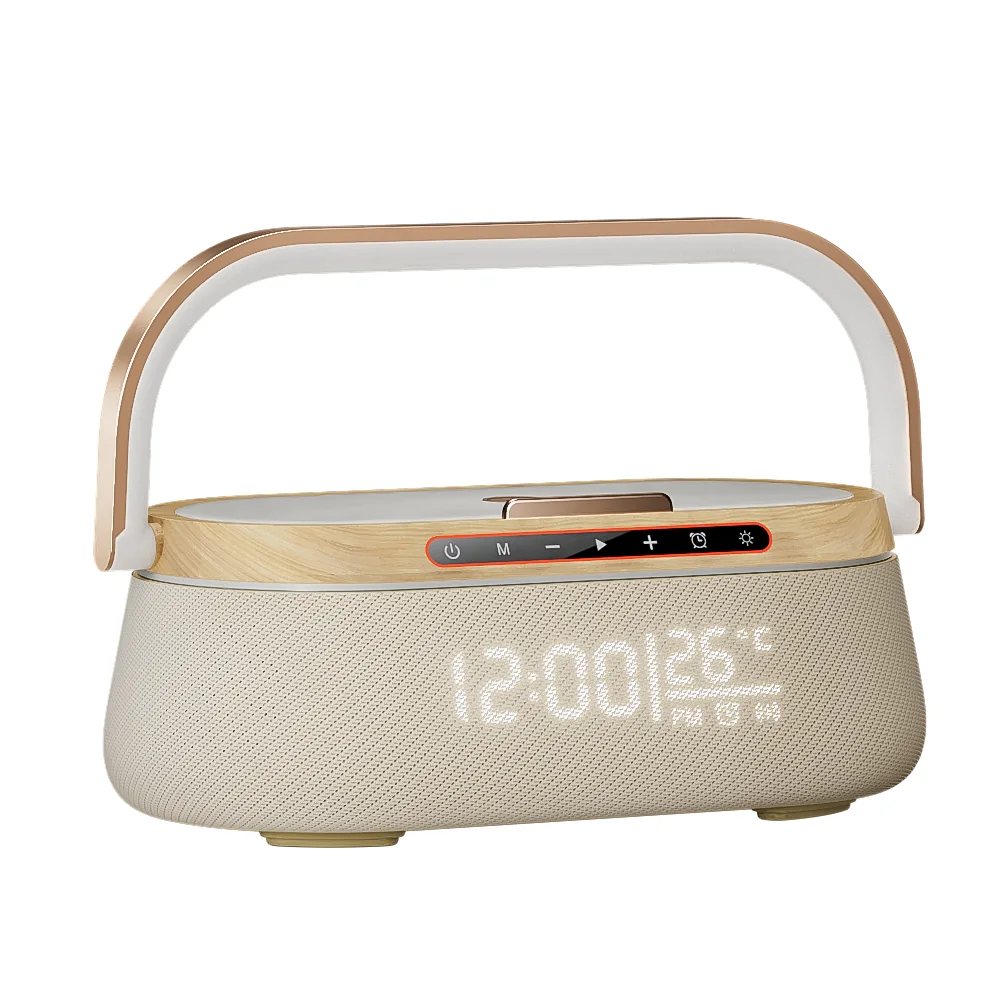
If the project includes wireless charging, test and approve the speaker and phone-charging behavior both separately and together. The HZ-B275 charging speaker is one example where the selected power source and simultaneous use condition belong in the approval record.
7. Lock a reference set, not just one physical unit
When the result is approved, identify the physical reference sample and the matching digital files. The set should include the approval sheet, dated product photos, final specification, artwork revision, manual revision and any agreed test notes. Record who approved it and on what date.
Keep later changes under revision control. If a component, firmware setting, label or accessory changes, state whether the existing approval still applies and which checks must be repeated. This gives production and repeat orders a shared reference.
8. Send a decision-ready message to the supplier
Your closing message should list the sample ID, overall status, passed items, open revisions, pending business inputs and the date needed for the next response. Attach the marked issue log instead of spreading comments across chat messages and email threads.
To request a model-specific next step from Huazeng, send the speaker model, destination market, expected quantity and the functions that are mandatory for your program. We can then focus the quotation or revised-sample discussion on the decisions that remain open.
Need a decision-ready speaker sample?
Send the model number, target market, quantity and mandatory functions. Huazeng will use those details to focus the sample and quotation discussion.
Request a Speaker QuoteFrequently asked questions
Who should sign an OEM speaker sample approval?
Use the people responsible for the product requirement, commercial offer and market-facing artwork. The exact roles vary by company, but the record should name the approver rather than relying on an informal group decision.
Can a sample be approved with open items?
Yes, if the status is conditional and every open item has an owner, acceptance method and due date. Do not call a sample fully approved while mandatory points remain undefined.
What should be kept as the golden sample?
Keep the identified physical unit together with its approved specification, artwork, manual and issue log. The reference is a set; the unit alone does not capture packaging or configuration decisions.
When should a revised sample be requested?
Request one when a change affects a mandatory function, appearance, user interaction or claim that cannot be verified from documents alone. Minor document corrections may only need an updated file and targeted confirmation.